installed the App on a WIN11 Home Rev_25H2 machine, AMD Ryzen 5700G w. integrated Radeon Graphics, 32GB RAM DDR4 on a Asus ROG Strix B550-F board and Samsung EVO970 SSD, built in Aug´21.
After following procedures installation and start of the app was easy.
Took me some time to figure out that this is just a test and not a runnunig software
First thought: not at all intuitive and it doesn´t do what´s it supposed to.
Then read more in the thread and saw the homework list.
Yup, those tests run through …. just the reaction time to klicks is terrible slow.
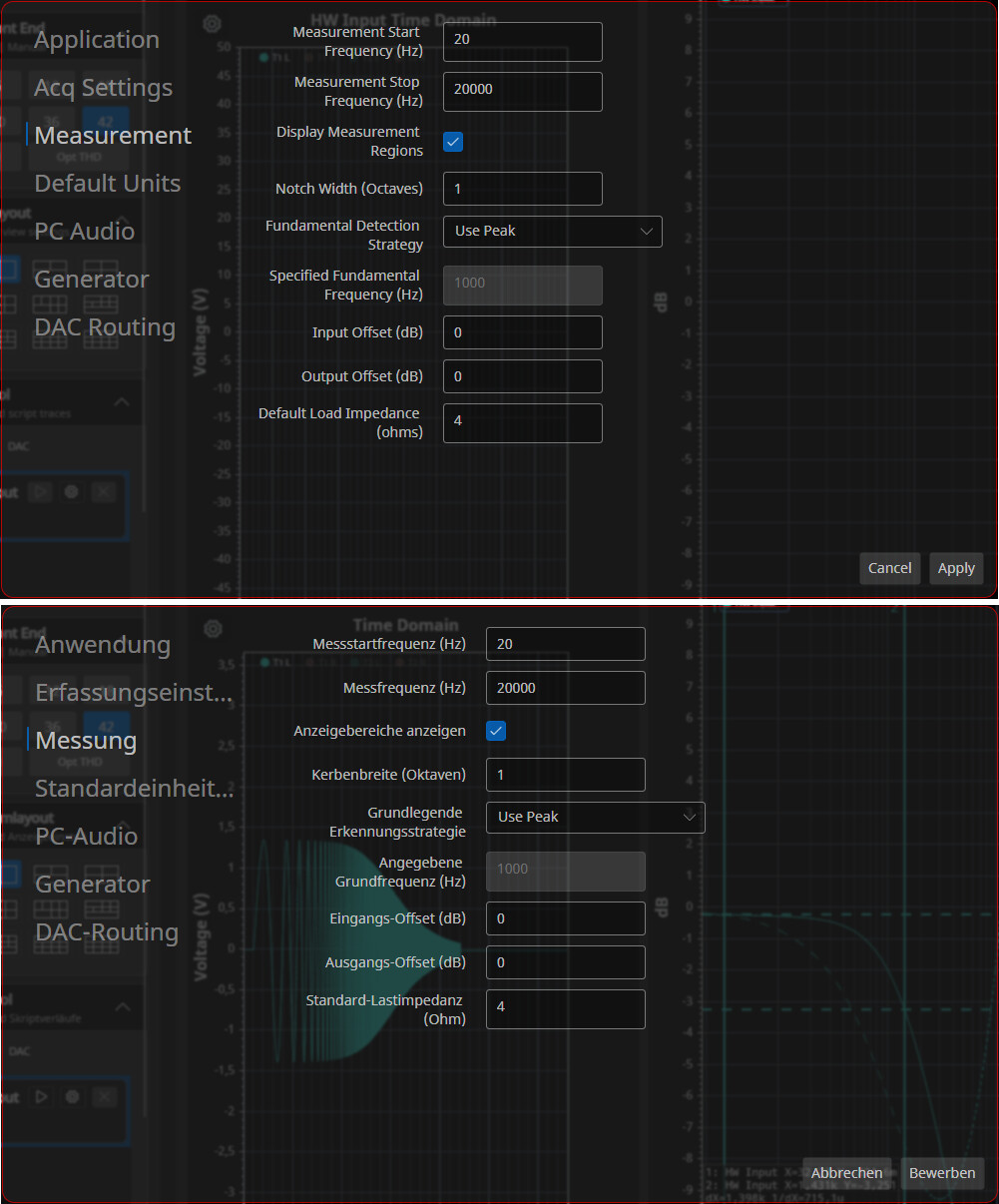
German language installed, but just a few buttons are actually german …. and partly not well translated, almost harder to recognize than english
Hi @Calvin, thanks for the notes. The translation has moved over to DeepL, which should be better. Here’s the default from DeepL today. Using Google Translate on my phone, some look off for sure (like second one). But hopefully better.
Once everything settles down with string changes it wouldn’t be a problem to have them professionally reviewed and problem/awkward areas cleaned up by a human.
The reaction time should be be extremely fast. There will be another release in the next few weeks that will have more benchmarking and might help diagnose what you are seeing. My machine is about the same vintage as yours (I have Ryzen 5 6-core). I do have a Radeon RX580 (released in 2017). It’s about 1/10th the speed of a flagship GPU today. But about 3X faster than your integrated graphics.
For now, you can double click on a graph and see the redraw time. I the plot below, you can see the yellow overlays on the graph where rendering is 1-10 mS depending on graph type. Time goes up if the app is full screen.
Is there a particular button that is really slow? For example, the first time you hit the gear below the logo it might a lag a little as it’s building stuff in the background. But the second click ont eh gear should be 100mS or so. Is that not the case for you?
Hi @Calvin, hold please until the next release. The first release was just to try some very specific things on a range of platforms. Much of the UI wasn’t hooked up yet and/or in final places. As noted, the new language translations are being done by DeepL and hopefully better.
Runs on Macbook Neo. This is an interesting laptop because it’s $599 and runs on Apple’s A18 iphone silicon. This is the same image that runs on Linux and PC. The A18 silicon runs the 3D from a unified memory architecture, and the laptop has a total of 8GB of RAM. The RAM isn’t an issue, but the performance was something to ponder because the A18 3D is about on par with a killer 3D graphics card from 2018 or so.
The QA403 ran directly from the Macbook Neo USB C port, and the OS didn’t complain about the extra current. You can see below the USB voltage was 4.89V @ 876mA. The Neo hardware is also a high-dpi screen, about 220 dpi or so. Avalonia correctly scaled.
In the screen shot below, the PC audio is being mirrored, and there’s a translucent window overlaying the graphs (which is taxing on the rendering hardware). But the performance is unchanged, meaning the A18 is quite capable with Avalonia + dotnet. A very impressive laptop for $599.