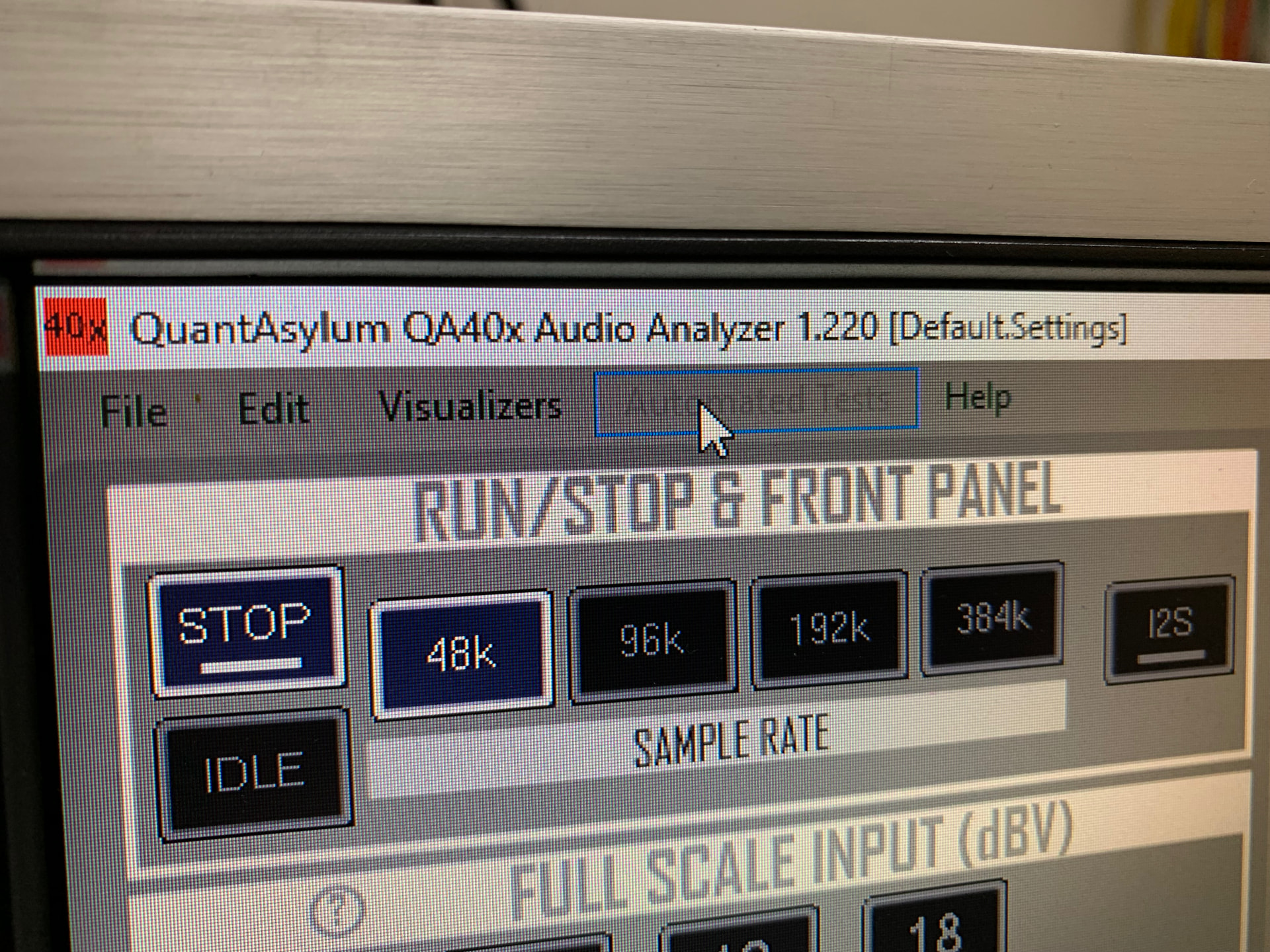
I have installed all software for my QA403. I see the menu “Automated Tests” is empty.
How can I add the tests that seem to exist for other users?
I have installed all software for my QA403. I see the menu “Automated Tests” is empty.
How can I add the tests that seem to exist for other users?
You need to connect the QA403, otherwise the software doesn’t enable anything.
Hi Mark,
Of course it’s connected. I’ve used the QA403 now for a few months, but without any automated tests. It’s not available in the menu, hence my question how to get this feature loaded.
Press stop and the menu will be available
No, there is nothing in that menu when the program is just started and not running at all.
Not seen that. Plugging in the device and the menu de-greys itself. Even on a VM!
Start the software, plug in the device, ensure it is stopped - that should enable the menu.
OK, now I see the menu with all the options. Thanks for all support!